The on-set server
A shoot often has no reliable internet at all, yet still benefits from everyone's devices syncing with each other over the local set network. This page covers pointing your device at that local relay for the day, and what running one involves for whoever brings the laptop.
Why a set has its own relay
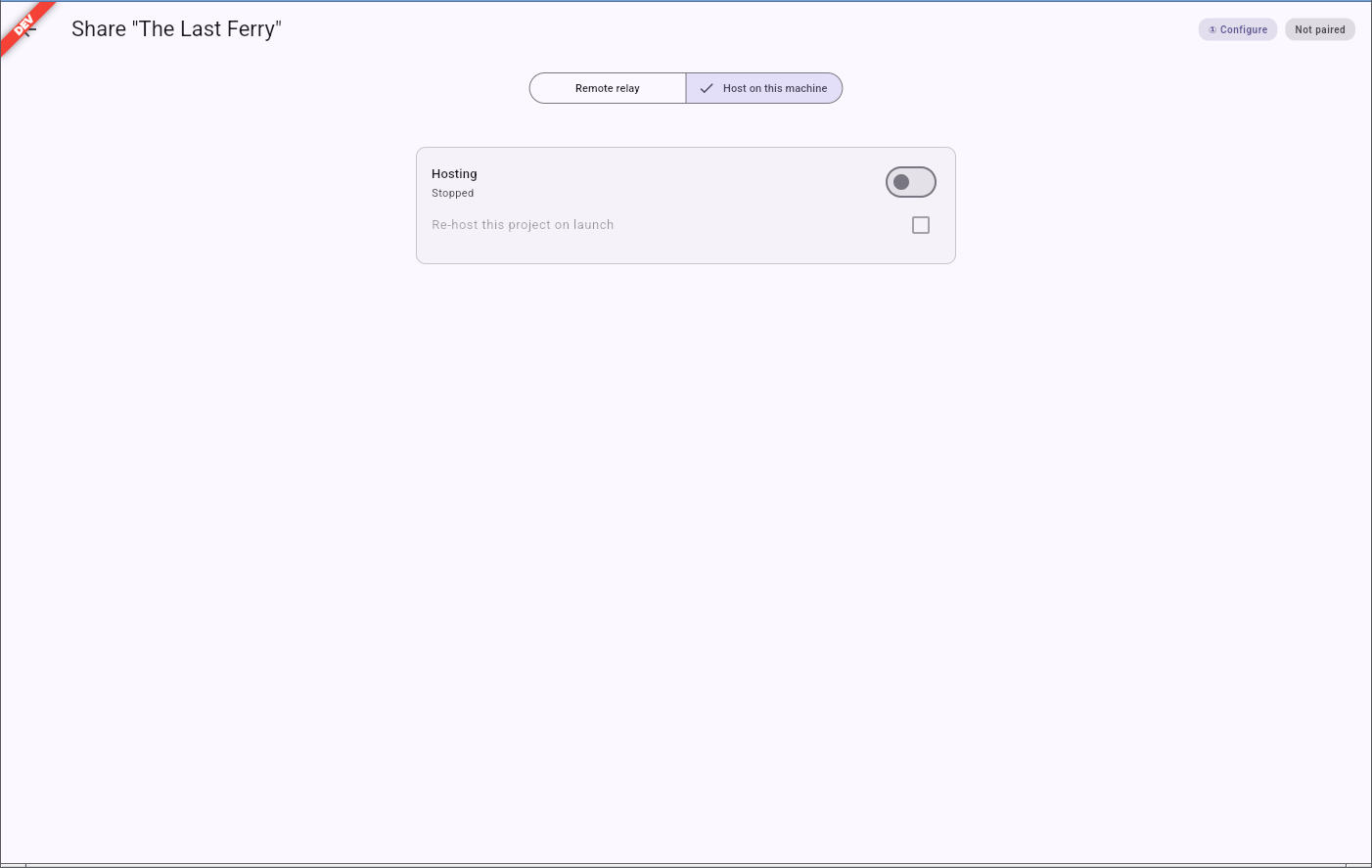
Rather than relying on an internet connection that a location may simply not have, a production can run its own relay for the day on a laptop already on set — through the same Host on this machine panel described in sharing a project. Every device on set then syncs against that machine over the local network only, with no internet required at all. At the end of the day, whoever runs that laptop pushes the day's work back up to the production's usual relay — that half is covered in the operator's own runbook, linked below.
Pointing your device at the set relay
Your project does not need to be re-joined to work with the set relay — it keeps its own identity and history. What changes is only where it looks for its relay:
- On the sync status indicator in your workspace's status bar (see How collaboration works), open the panel and choose change relay.
- Scan the QR code the set relay is showing — either on the hosting laptop's own screen, or handed to you by whoever is running it from a terminal. You can also type in the relay's address and its secret by hand if scanning is not convenient.
- Your device now syncs against the set relay instead. Nothing about your project's content changes; only the meeting point does.
The same QR re-points any project — it names a relay, not a specific project — so one code shown once is enough for the whole crew to point their own devices at it, each keeping their own project.
The firewall note, in plain terms
Hosting a relay — whether from the app or from a technical operator's own tools — opens it up to the rest of the local network it runs on, on purpose: that is how the rest of the crew's devices reach it. For a set network or a small production's own machine, that is an accepted, deliberate choice, not an oversight. It also means a set relay is only ever meant to be reached from that local network — reaching it from somewhere else over the internet is out of scope, and a production that genuinely needs that should use a permanent, properly secured relay instead of an on-set one.
If the laptop running it is lost
The set relay is a convenience, never the one place the day's work lives: every device on set already holds its own full copy of the project, edits included. If the laptop or machine running the relay is lost, dropped, or left behind, any other device that was on set can simply start hosting in its place and carry on — nothing about the day depends on one machine surviving until evening.
For whoever runs the relay
Turning a laptop into the set's relay for the whole day — starting it, sharing its QR, reconciling
the day's work back to the production's own relay in the evening — is covered step by step in the
project's operator runbook, docs/on-set-server.md in the application's repository. It assumes no
coding knowledge, only comfort running the relay for the day; hand it to whoever is asked to bring
the laptop.